19/10/2026 10:39
Why Is the Detail Blurry? A YouTube Upload-Quality Workflow for Cambodian Jewellery Shops
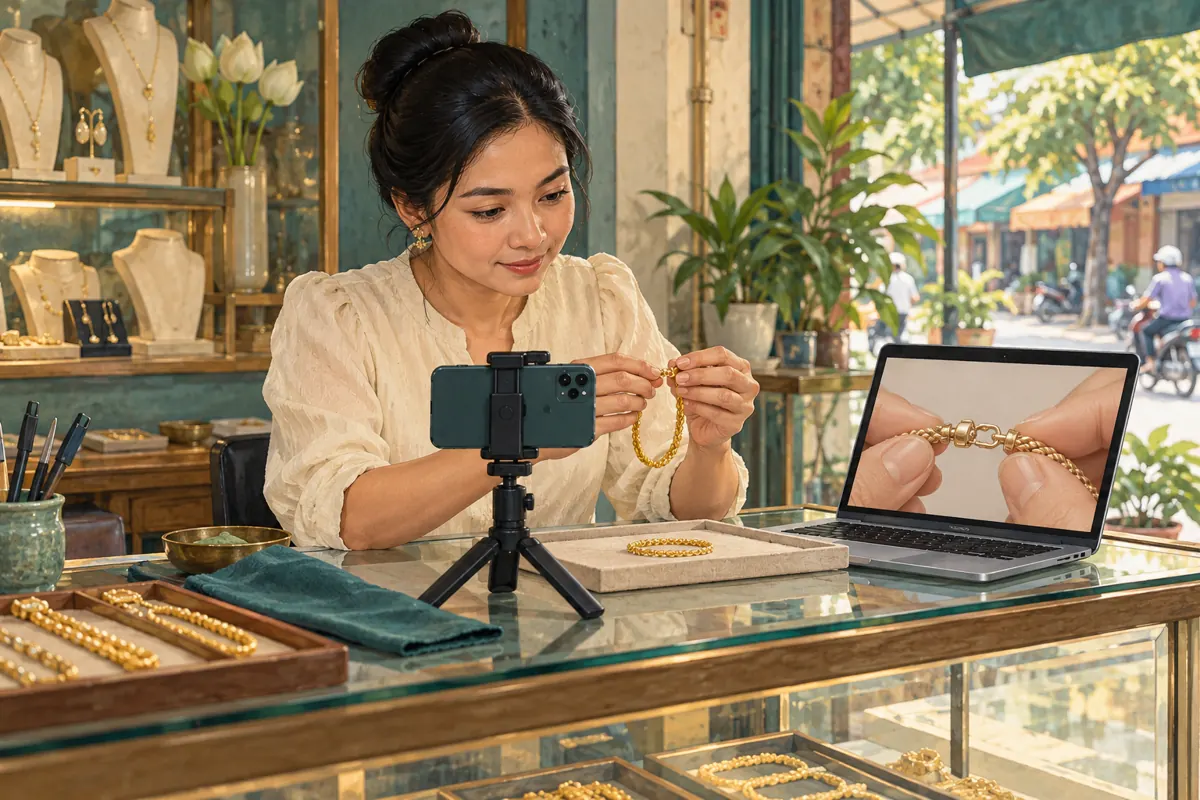
A jewellery demonstration succeeds when viewers can see the detail being explained: where a clasp opens, how an adjustable chain moves, or how two finishes differ. If that detail looks blurry after uploading, promoting the video immediately can send people to an explanation they cannot follow. For a Cambodian shop preparing a Khmer demonstration, an English version, or both, the useful first step is to locate the problem. This workflow separates the original recording, the exported file, YouTube processing and the viewer’s playback conditions. It also explains why an SMM service cannot repair an unclear demonstration or establish that Cambodian shoppers understood it.
1. Define the detail the viewer must understand
Start with a viewing task rather than a resolution target. In a hypothetical Phnom Penh jewellery shop, the owner wants to explain how a bracelet clasp opens without pulling the chain. The acceptance question is simple: can someone identify the moving part and follow the opening action? A beautiful full-counter shot may fail this test even when the file has a high resolution. Write the question before recording so the person filming knows what must stay visible.
Choose a few moments to inspect consistently: the closed clasp, the finger touching the release, and the open clasp. Note their positions in the finished video. These become reference points when comparing the recording with the uploaded version. Ask a colleague unfamiliar with the demonstration to describe the action after watching. If they need an additional explanation, investigate framing, pace and narration as well as sharpness.
2. Check the recording before blaming the upload
Play the original camera file and pause at those reference moments. Check whether the clasp is actually in focus, whether fingers hide the release, and whether reflections erase its outline. Support the phone, clean its lens and use a plain background that separates the jewellery from the surface underneath. Move the product slowly enough for its working parts to remain visible. Record a short trial and review it before filming the entire explanation.
For reflective pieces, adjust the position of the light and product until the important edge is visible. Avoid judging exposure only from the surrounding counter; the jewellery itself may be much brighter. If the original file already hides the mechanism, waiting for YouTube will not recover the missing explanation. Refilm the affected shot. Keep narration practical and in the audience’s language, but do not expect spoken directions to compensate for an action viewers cannot see.
3. Review the actual exported file
The file that leaves the editor deserves its own review. Open the exact export intended for upload, rather than relying on the editing preview. Compare it with the original at the same reference moments and a similar display size. Check for softened edges, awkward cropping, missing close-ups and sudden colour changes. Use a clear filename identifying the product and approved version so a colleague does not upload an older draft or a smaller preview copy.
YouTube’s encoding guidance recommends MP4 with H.264 video and keeping the recorded frame rate when encoding and uploading. These are useful starting points when reviewing an editor’s export options. [YouTube recommended upload encoding settings](https://support.google.com/youtube/answer/1722171?hl=en). For this workflow, preserve the useful detail already present in the recording and avoid unnecessary conversions. If the export looks worse than the original, review the export settings before uploading again. Increasing the dimensions of an already blurry shot does not make the clasp explanation clearer.
4. Allow processing time before judging the result
An upload finishing does not mean every playback quality is ready. YouTube explains that videos initially become available in low quality, while higher resolutions can take additional time to process. The time varies with factors including video length, format, frame rate and quality. On a computer, open the watch page and inspect Settings, then Quality, to check the available options. [Low video quality after upload](https://support.google.com/youtube/answer/71674?hl=en-GB).
Build a review window between uploading and sending the link to customers. In the hypothetical bracelet example, the shop should avoid promising that the demonstration will be ready the instant the transfer completes. Record the upload time, intended resolution and options currently visible. If higher-quality processing is still pending, wait and recheck. Repeatedly submitting the same file adds confusion to the review without identifying the cause of the blur.
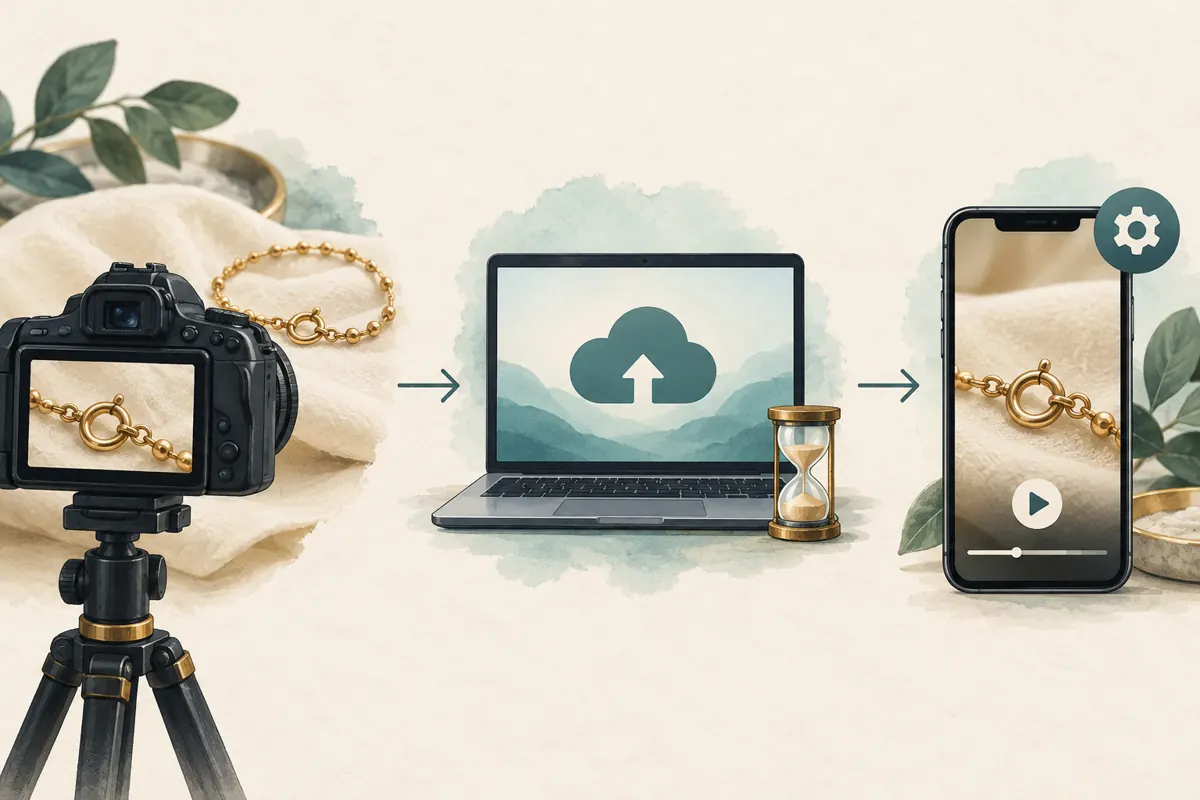
5. Separate playback conditions from the uploaded video
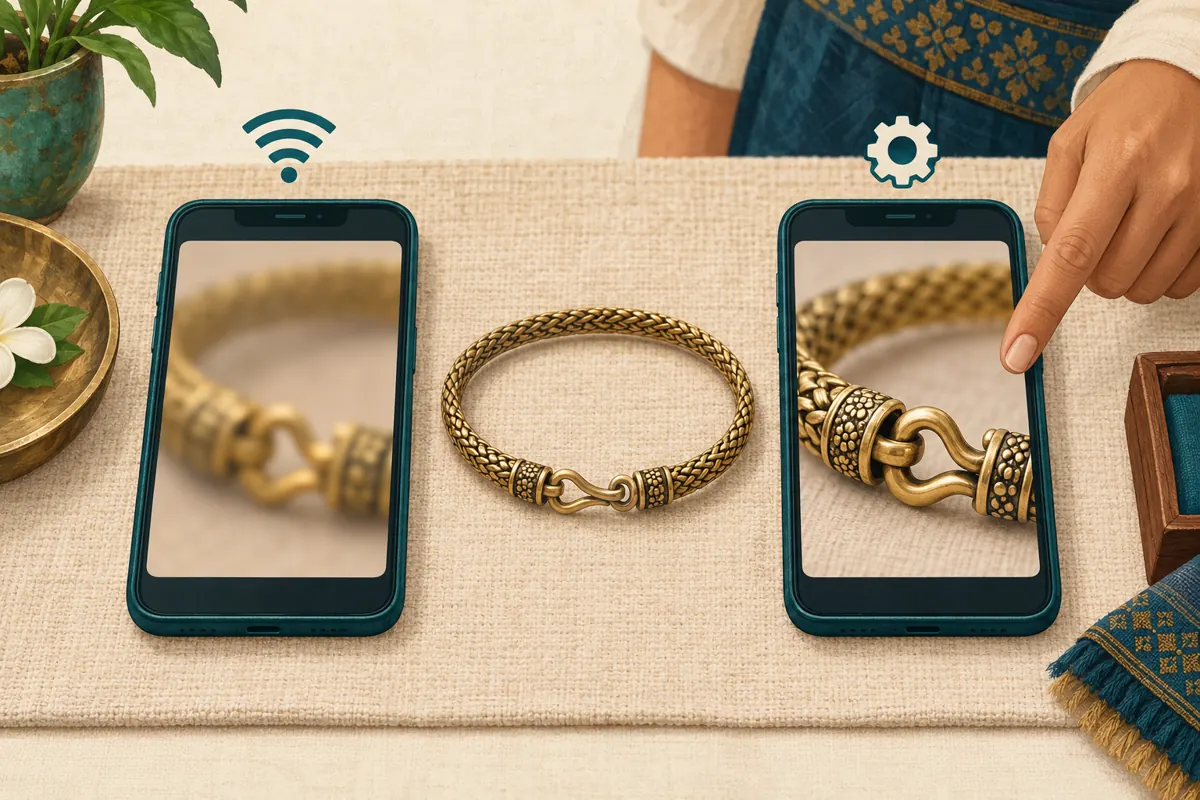
YouTube can adjust playback quality according to viewing conditions. Its guidance identifies factors such as connection speed, screen size, original upload quality and browser support. Viewers can also change quality manually, although available options can vary. [Change the quality of your video](https://support.google.com/youtube/answer/91449/change-the-quality-of-your-video?hl=en). Therefore, one blurry viewing session is an observation to investigate, rather than sufficient evidence that the uploaded file is defective.
Run two deliberate checks. First, inspect the demonstration using an available higher-quality setting to assess the uploaded detail. Second, watch it on a phone under the conditions your team ordinarily uses. Note the device, connection type and selected quality alongside the result. This is a small practical sample, not a claim about internet access across Cambodia. If the mechanism becomes difficult to follow at lower quality, a longer close-up or simpler background may make the explanation more resilient.
6. Use a decision process that points to an action
Work through the stages in order. If the original recording fails, refilm. If the original is clear but the export fails, revise the export. If both are clear and the uploaded video lacks the intended quality options shortly after upload, allow time for processing and recheck. If the options exist but a particular viewing session looks poor, compare playback settings and another device before changing the content. Each branch should produce one next action and a named person responsible for it.
If the problem persists after these checks, prepare a concise troubleshooting note: the video link, intended file resolution, upload time, affected moment, devices tested and what you observed. Distinguish missing quality options from a blurry image at an available quality. Those are different symptoms. Consult the relevant YouTube help guidance rather than relying on claims that popularity, subscriber purchases or a particular engagement count will unlock clearer video.
7. Decide whether viewers need a better shot
Sometimes the technical checks pass but the demonstration still fails its viewing task. A clasp can be sharply rendered and still occupy too little of the frame. In the hypothetical shop, the better solution might be an additional close-up showing the release from above, followed by a slower demonstration. Show the product in context first, then make the working part large enough to inspect. Keep fingers away from the critical edge until the action requires them.
Treat clarity and product accuracy as separate checks. A crisp image does not establish a metal’s purity, a stone’s identity or a bracelet’s durability. Describe only characteristics the shop can substantiate, and avoid treating a screen’s colour rendering as a precise product guarantee. If a customer needs exact dimensions or material information, supply confirmed specifications separately. The video’s job is to explain a visible feature honestly, not to imply that appearance proves every product claim.
8. Keep SMM service decisions separate from video quality
The supplied bine.digital catalogue includes the exact public title “YouTube - Auto Views [RAV-MTS™ - High Monetization Views] + Engagements”. Its wording presents it as a views-and-engagement service, but no supporting description was supplied. The title alone does not establish delivery methods, monetization eligibility, Cambodian audience origin or any effect on image quality. Treat its promotional wording as unverified catalogue language. It provides no basis for using the service to solve a blurry upload.
YouTube prohibits artificially increasing engagement metrics and says a hired promoter’s actions can affect the channel. [Fake engagement policy](https://support.google.com/youtube/answer/3399767?hl=en-GB). Apply that policy before committing to a service, and do not proceed with artificial engagement. Purchased engagement is not evidence of genuine interest, sales, ad delivery or Cambodian users. A useful promotion decision begins with an understandable video and a permitted distribution method; a delivery label from a panel cannot replace either requirement.
9. Release the reviewed link deliberately
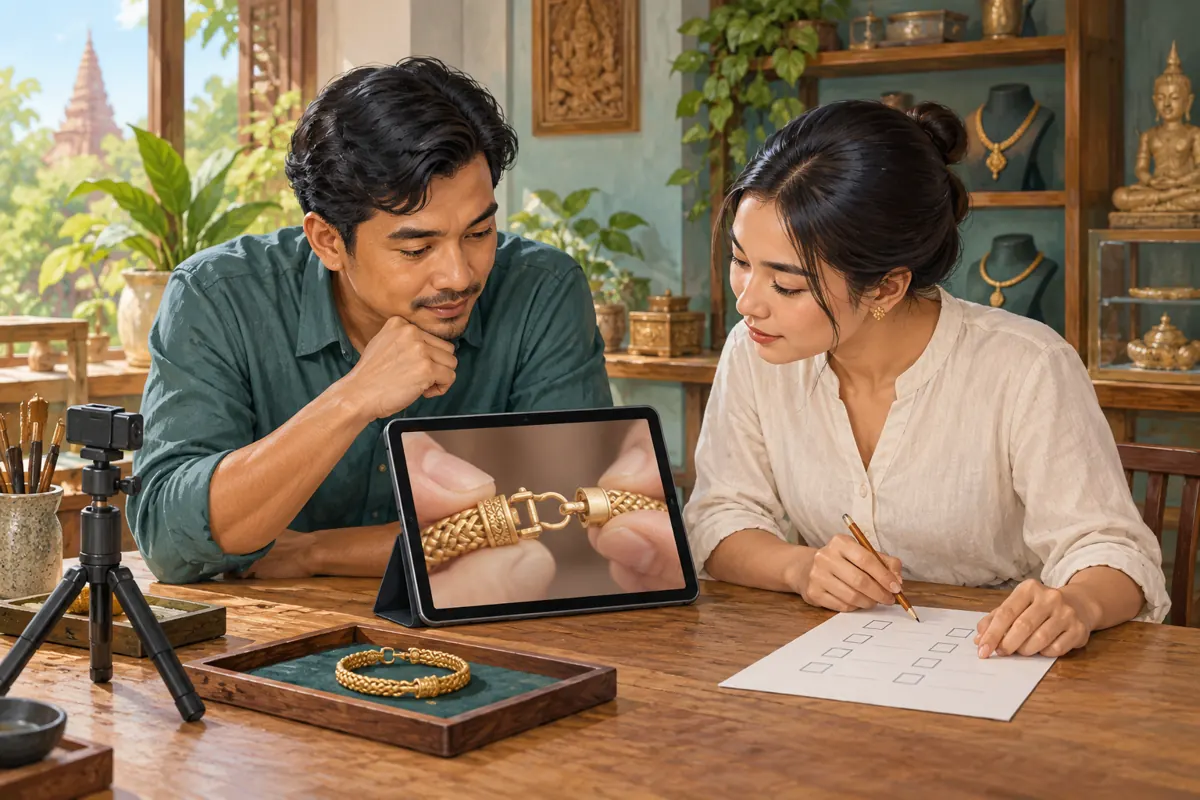
Once the demonstration passes, ask a second team member to open the approved link and explain what they learned. Confirm that the narration, visible product and enquiry instructions agree. For a Cambodian shop serving different language groups, check each version on its own merits; a clear English explanation does not establish that the Khmer version uses understandable terminology. Share the video where it answers a relevant question, with a short description of the feature being demonstrated.
If a revised file must be uploaded, plan the link change. YouTube states that a new upload receives a new URL and cannot replace the existing video file at its old address. [Replace or delete your video](https://support.google.com/youtube/answer/55770?hl=en). Update the places where the team intends to share the demonstration, and clearly identify the approved version internally. Check any existing promotion arrangements before assuming they can follow a different link. Avoid deleting material impulsively while colleagues still rely on it.
10. Avoid misleading shortcuts during review
Common mistakes include inspecting only the thumbnail, comparing different moments in two versions, approving the video solely on a large monitor, and treating the highest resolution label as proof of a good demonstration. Another mistake is changing several things at once: refilming, exporting differently and switching devices makes it harder to know what solved the problem. Change one suspected cause, then repeat the same reference checks.
After release, collect specific questions rather than congratulating the team on an engagement total. If viewers still ask where the clasp opens, examine that moment again. If they ask whether the bracelet fits a particular wrist, the next useful asset may be a sizing explanation. Keep the quality note brief enough to reuse for the next product. Its purpose is to make the next decision easier, while preserving an honest distinction between a clear video, audience response and a completed sale.
Frequently asked questions
Should we delete a blurry upload immediately?
First compare the original, export and available playback qualities. A newly uploaded video may still be processing, so deletion can create unnecessary work. If the source itself fails, prepare a corrected version and review it before changing shared links. Keep a backup and consider where the current link is already being used.
Do we need to film every jewellery demonstration in 4K?
Choose settings that suit your equipment and the detail being shown. A stable, well-lit close-up can explain a clasp better than a wider shot with more pixels. Test a short sample through the complete workflow before committing to a recording approach. Judge whether the action is understandable on the viewing devices you actually check.
What should we ask when a customer says the video is blurry?
Ask which moment is unclear and whether the difficulty concerns sharpness, glare, framing or the explanation itself. Offer a simple description of the action while investigating. If appropriate, ask what device and playback quality they used, without requesting account access or personal screenshots. Do not make the customer complete a lengthy technical investigation before helping.
Can an SMM order make the demonstration look sharper?
The supplied service information provides no basis for that claim. Locate the issue in the recording, export, processing or playback stages. Keep any existing order record separate from the quality review, and do not infer technical improvement or customer understanding from an engagement count. Evaluate any proposed promotion method against the platform’s rules.
Explore the current service catalogue, create an account, or ask a specific question through support tickets.
- YouTube Help: Low video quality after upload
- YouTube Help: Change the quality of your video
- YouTube Help: Recommended upload encoding settings
- YouTube Help: Fake engagement policy
- YouTube Help: Replace or delete your video
Prepared with AI assistance. Illustrations explain the workflow and do not represent customer results.