19/10/2026 07:24
Before You Promote a Repair Video: YouTube Privacy Checks for Cambodian Motorcycle Shops

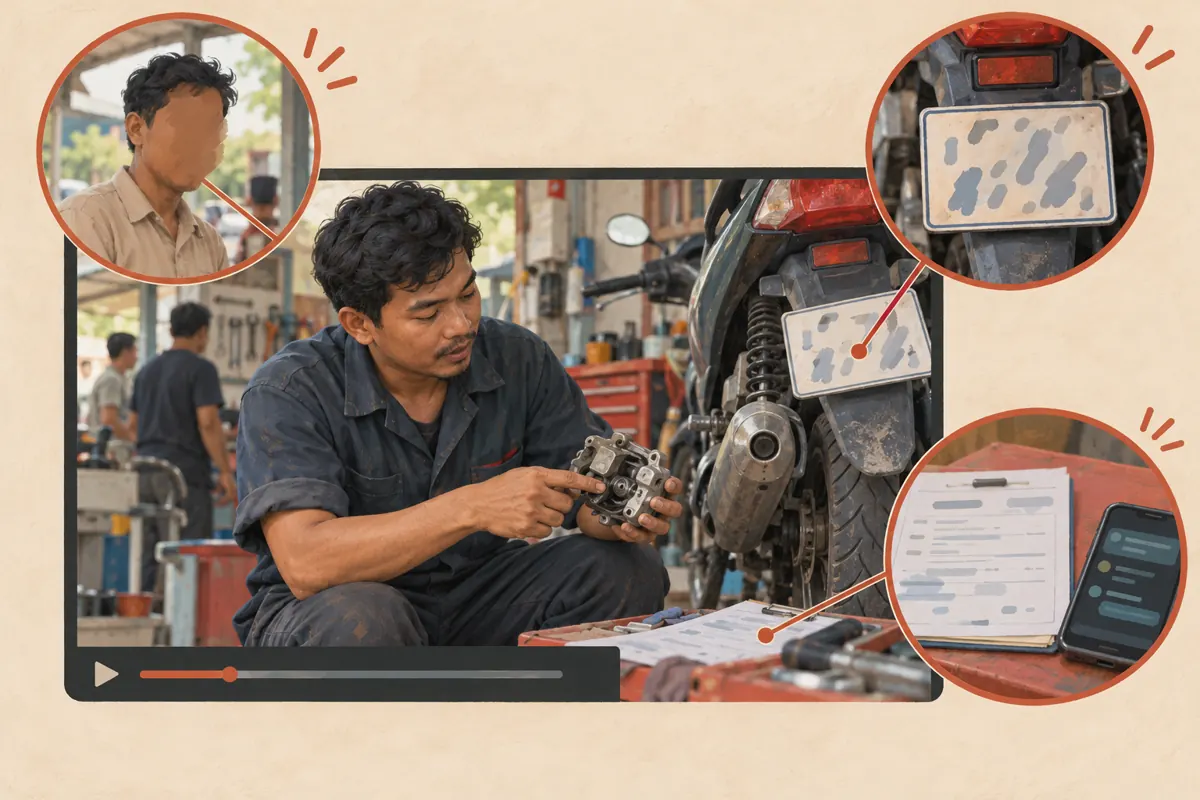
A useful motorcycle repair video can accidentally show much more than the repair. A customer walks behind the mechanic, a number plate enters the frame, or a job sheet reveals a telephone number beside the tools. For a Cambodian shop promoting its workmanship on YouTube, those background details deserve attention before the video travels further. This workflow helps a small team decide what to keep, obscure, remove or film again. It also establishes a practical stopping point before social sharing or an SMM-panel decision: the demonstration should explain the work without unnecessarily exposing the person who brought the motorcycle into the shop.
1. Define what the customer needs to learn
Start with one learning objective. Perhaps the video explains what a worn drive chain looks like or what happens during a routine inspection. Write that objective above the editing notes. Anything unrelated to it, including a customer's face, registration plate or collection conversation, becomes a candidate for removal. This makes privacy review manageable because the editor has a clear reason for each shot.
In a hypothetical Phnom Penh workshop, the owner records a mechanic explaining a worn component. The useful material is the component, the mechanic's explanation and the comparison with its replacement. The customer's name and motorcycle collection time add nothing. A closer shot could preserve the explanation while avoiding several editing problems. This is an illustrative scenario, not a customer case or a claim about marketing results.
2. Decide whether permission or a different shot is needed
YouTube advises creators to obtain permission before filming other people or posting their personal information. Its privacy guidance also considers identification through images, voices, names and contact information. Blurring one visible detail therefore does not settle every concern. The official guidance is available at https://support.google.com/youtube/answer/2801895?hl=en-EN.
Explain the intended use in language the person understands: a public shop video, its subject and the places where the shop expects to share it. Keep an appropriate internal record of the agreement without copying unnecessary personal information into the editing brief. If someone does not want to appear, arrange a shot without them. A customer agreeing to a repair should not be treated as agreeing to appear in promotion.
For future recordings, create a small filming area away from the waiting space. Move paperwork out of view and use a demonstration vehicle where practical. Preventing an unwanted detail from entering the recording is often easier than repairing the footage later.
3. Make a timestamped exposure map
Watch the entire recording once for the demonstration and again for its surroundings. During the second pass, record each unwanted detail, when it appears, when it disappears and whether it moves. Describe the issue without transcribing the private information. A note such as 'customer phone number on job sheet beside socket set' is enough for an editor to locate it.
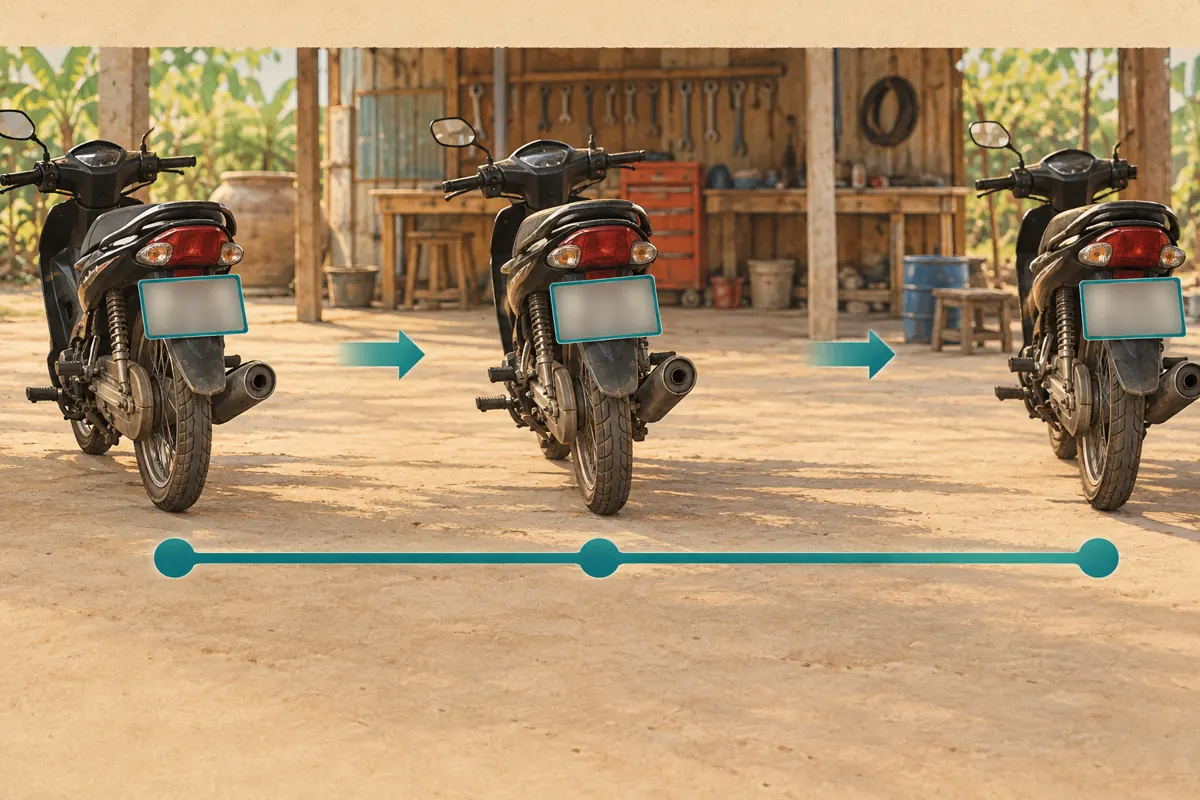
In another hypothetical example, a plate appears from 00:18 to 00:25, leaves the picture, then returns at 01:06. Treat those as separate appearances. Also inspect mirrors, shiny bodywork, windows and background vehicles. A reflection can show a person who appears to be outside the main camera view.
Assign an action to every entry: keep with appropriate permission, crop in the source edit, blur, cut or reshoot. Give unresolved entries an owner. Avoid a vague instruction such as 'make this private,' which leaves the editor guessing about the actual concern.
4. Choose a repair method that preserves the explanation
Use the least complicated method that removes the exposure while keeping the demonstration understandable. A receipt at the edge of the image may be easy to exclude with a tighter source edit. A customer crossing behind the mechanic may justify cutting that moment. A brief close-up can replace a crowded wide shot without losing the teaching point.
Blur is useful when the surrounding action matters and the unwanted detail occupies a limited area. It becomes less attractive when a moving blur repeatedly covers the mechanic's hands or the component being discussed. In that situation, filming the explanation again may produce a clearer result.
Keep the original recording securely before committing changes. YouTube says saved Studio Editor changes can no longer be undone through Revert to original. Treat saving as a decision requiring review, rather than an experiment that can always be reversed.
5. Apply YouTube's blur tools on a computer
YouTube's documented workflow uses Studio on a computer: open Content, select the video and choose Editor. Under Blur, select Face blur, wait for processing, choose the relevant faces and apply. Custom blur lets you position and resize a box over another detail.
For custom blurring, select a rectangle or oval, adjust the timeline boundaries and choose Track object for movement or Fix blur position for a stationary area. Review before saving. These controls and the save limitation are documented at https://support.google.com/youtube/answer/9057652?hl=en-15.
Work through the exposure map systematically. Finish one detail before moving to the next, and mark an entry complete only after reviewing its whole appearance. If the available editor cannot produce an acceptable result, return to the original footage and prepare a corrected version in your usual editing application. Do not force an unsuitable shot through merely because a promotional date is approaching.
6. Check coverage through movement and cuts
A blur that looks convincing in a paused preview may miss information elsewhere in the sequence. Review the moment before the object appears, its full movement and the moment after it leaves. Pay particular attention when the camera pans, someone passes in front of the object, or the scene cuts to another angle.
Check whether all the identifying detail is concealed, including the edges. A box centered on a plate can still leave characters exposed when the motorcycle turns. A face may return in a mirror after the person leaves the foreground. Review each reappearance independently instead of assuming the earlier treatment covers it.
Ask a colleague to inspect the edited footage without first explaining where the problems were. Their fresh view may reveal details the editor has stopped noticing. This is a practical quality check, not proof that nobody could identify the person from other context.
7. Listen separately and inspect the surrounding assets
Play the recording with headphones while deliberately ignoring the picture. Listen for names, telephone numbers, collection arrangements and private conversations. A blurred image does not remove spoken information. Where necessary, edit the source audio, record a neutral explanation or replace the affected segment. Preserve the meaning of the repair advice when making those changes.
For Khmer narration, have someone who understands the speech review the audio and any subtitles. If the video also has an English translation, inspect that version separately. Information removed from speech may remain in an earlier subtitle file. Avoid replacing a customer's name with a description so specific that it still identifies them.
Inspect the thumbnail, description and any short promotional excerpts as separate assets. Correcting the main video does not automatically establish that every exported image or clip is suitable. Keep a list of the versions actually intended for sharing so an old export does not accidentally become the promotional asset.
8. Make a separate decision about SMM services
A privacy-reviewed video is ready for a promotion assessment, not automatically ready for every service in a catalogue. The supplied public catalogue includes the exact title USA Social Shares from Facebook. That label indicates a social-sharing service associated with Facebook, but the brief supplies no description explaining its delivery method. It does not establish Cambodian targeting, authentic viewers, advertising placement or suitability for this shop.
Before considering a service, ask what actions it actually performs and whether those methods comply with the platform's rules. YouTube prohibits artificial increases in engagement and warns that a hired promoter's actions can affect the channel. A service name alone cannot resolve that question. If the method remains unclear, leave the request unsubmitted and choose promotion you can explain and evaluate. See https://support.google.com/youtube/answer/3399767?hl=en-GB.
Purchased engagement is not evidence of genuine interest, sales, ad delivery or Cambodian users. For this workshop, a more useful next step may be sharing the approved tutorial with people who asked about that repair, where sharing is welcome. Keep service delivery records separate from actual enquiries and confirmed repair bookings.
9. Review the finished video before distributing it
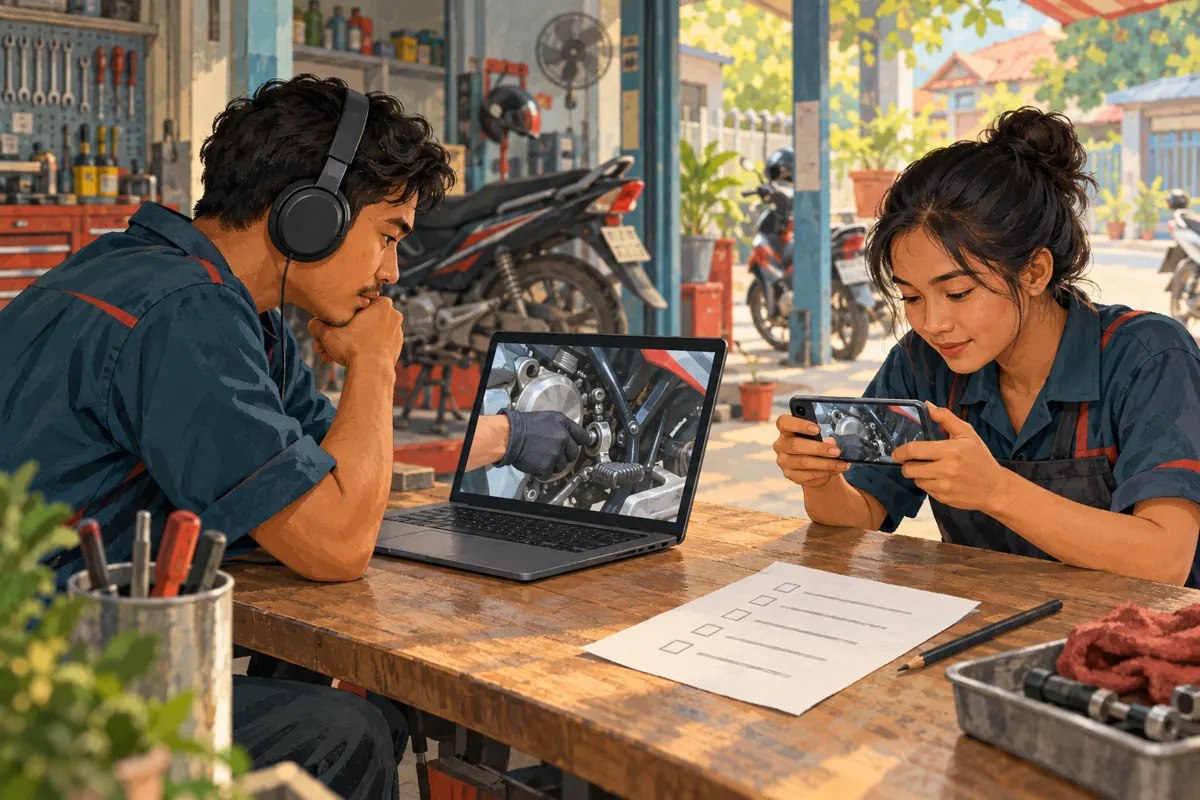
After the edit is saved and available to review, watch the actual finished video rather than relying only on the editor preview. Revisit every item in the exposure map, then watch the full sequence for missing explanation or distracting edits. Check on a computer for fine detail and on a phone for the viewing experience customers are likely to encounter.
Record the reviewer, review date, video reference and any remaining restrictions. A simple decision such as 'approved for the shop's public tutorial; use only the reviewed thumbnail' is more useful than 'looks fine.' If an issue remains, keep distribution on hold until it is resolved.
If the video was already shared, stop sending people to the problematic version while correcting it. Identify the copies and posts the shop controls and review them too. Do not assume editing the YouTube version removes information from downloaded copies or separately uploaded excerpts.
10. Avoid turning the review into a cosmetic exercise
Common mistakes include checking only the opening shot, assuming a tiny phone preview hides details everywhere, and approving a blur without listening to the sound. Another is making the video visually anonymous while leaving the customer's story, nickname and collection details in the caption. Review the whole package from the perspective of someone familiar with the customer.
Do not use blur to conceal evidence that viewers need to understand the demonstration honestly. If a covered area makes a before-and-after comparison impossible to assess, choose another shot and explain any relevant limitation. Privacy editing should not create an exaggerated impression of the repair.
Finally, improve the next recording session using what this review uncovered. If paperwork caused repeated problems, clear the bench before filming. If customers kept crossing the frame, change the camera direction. The best recurring workflow reduces avoidable editing work while keeping useful, accurate demonstrations at the center of the shop's promotion.
Frequently asked questions
Is blurring a customer's face enough?
Not necessarily. A voice, name, distinctive vehicle, visible document or surrounding story may still identify them. Review the combined information rather than treating a face blur as a complete solution. If the person should not appear and identification remains likely, remove the segment or film a demonstration without them.
Should every motorcycle number plate be blurred?
Use a clear editorial rule for your shop: if the plate is unnecessary to the explanation, exclude or conceal it. This is a practical content choice, not a claim about a universal legal requirement. Consider other identifying details too, especially where the video discusses a particular customer's repair.
What if blurring makes the repair impossible to see?
Use a different angle or record a close-up of the relevant component. You can also cut the affected moment and bridge the explanation with fresh narration. Do not publish an unclear demonstration simply to preserve the original recording or meet a planned promotion time.
Can an SMM service correct an exposed detail?
No capability in the supplied service information establishes video editing or privacy remediation. Fix the content through the shop's editing workflow first. Additional shares or engagement cannot remove exposed information and may draw more attention to it. Resume promotion only after reviewing the finished asset and the proposed promotion method.
Explore the current service catalogue, create an account, or ask a specific question through support tickets.
- YouTube Help: Blur your videos
- YouTube Help: Protecting your identity
- YouTube Help: Fake engagement policy
Prepared with AI assistance. Illustrations explain the workflow and do not represent customer results.