20/10/2026 23:36
Where Does the Adjustment Start? YouTube Timestamp Links for Cambodian Office-Chair Shops
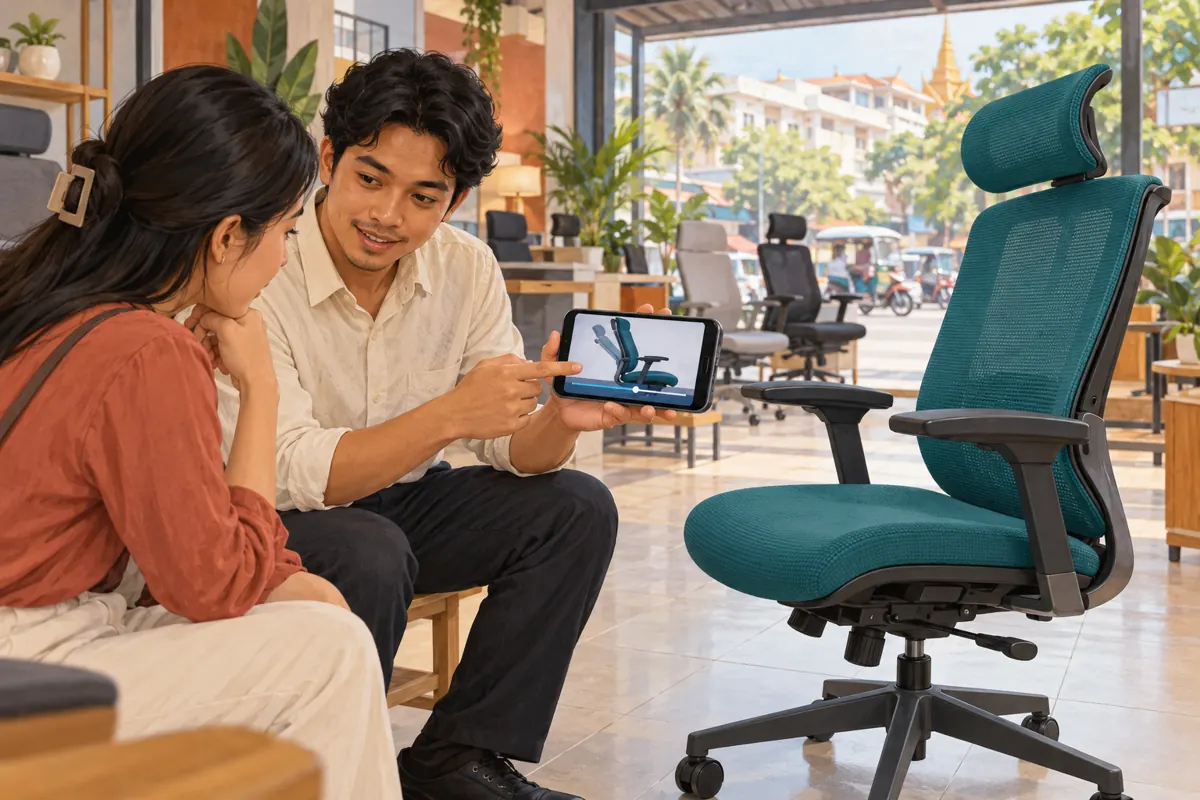
A customer asks whether an office chair’s armrests move, and the shop replies with a long showroom video. The answer is somewhere inside, but the customer must find it. For Cambodian furniture businesses serving customers through social messages, that extra searching can leave a straightforward question unresolved. A YouTube timestamp link offers a more precise starting point. This workflow explains how to select the right moment, preserve essential context, test the message and judge whether it helped. It also gives SMM-panel customers a clear decision boundary: engagement services cannot establish that someone understood the adjustment, owns the matching chair or intends to buy.
1. Start with the buyer’s question and the exact chair
Choose one question that the existing demonstration genuinely answers. Height adjustment, armrest movement and tilt locking are different topics, even when their controls sit close together. Before selecting a timestamp, identify the chair model shown and compare it with the model in the enquiry. Similar upholstery is not enough. A chair with the same appearance may have a different mechanism, so staff should verify the product reference rather than infer compatibility from colour.
Consider a hypothetical Phnom Penh shop answering a customer who asks whether the armrests can move inward. Its video shows several chairs, but only one includes that adjustment. The useful response identifies the demonstrated model and points to its armrest segment. If the customer’s model remains uncertain, ask for the product reference or a clear chair photo first. A precise link to the wrong mechanism creates a more confident misunderstanding.
2. Understand what a timestamp link actually shares
YouTube’s desktop sharing guidance includes a Start at option for linking to a particular video time. The link provides an entry point into the original video. It does not create an independent product demonstration. TeamYouTube’s announcement about timestamp sharing also explains that this sharing method does not provide an end-time setting or a custom description within the shared moment. Put your explanation in the message accompanying the link.
This matters when a useful adjustment demonstration is followed by another chair, an older offer or unrelated showroom footage. Watch beyond the selected moment before sharing. Tell the customer which action to look for and where the relevant explanation finishes, without suggesting that playback will stop automatically. If the surrounding footage would make the message misleading, prepare a fresh, self-contained demonstration instead of relying on a carefully chosen starting point.
3. Choose the first understandable moment
The best starting point is often slightly before the visible movement. A close-up of a hand already pulling a control may omit which side of the chair it is on. Start where viewers can identify the chair, locate the control and understand the presenter’s sentence. Listen from that point without watching the earlier footage. If the first words are “this other one,” move back until the reference becomes clear.
In a hypothetical demonstration, the armrest movement begins at 2:18, but the presenter identifies the model and button at 2:09. The earlier point is the better candidate. These times are illustrative editorial choices, not performance recommendations. Preserve any necessary setup or limitation that comes before the action. Never skip a model-specific caution merely to reach the movement faster. If the explanation depends on substantial earlier instruction, send the full guide and explain why.
4. Generate the link and test the actual message
On a computer, open the video on YouTube, select Share beneath it, check Start at and enter the chosen time before copying the link. Paste that copied link into a draft customer reply. Keep the ordinary video link separately as a fallback. Use the sharing controls rather than asking every employee to construct timestamp URLs manually; the important task is verifying where the finished link takes a viewer.
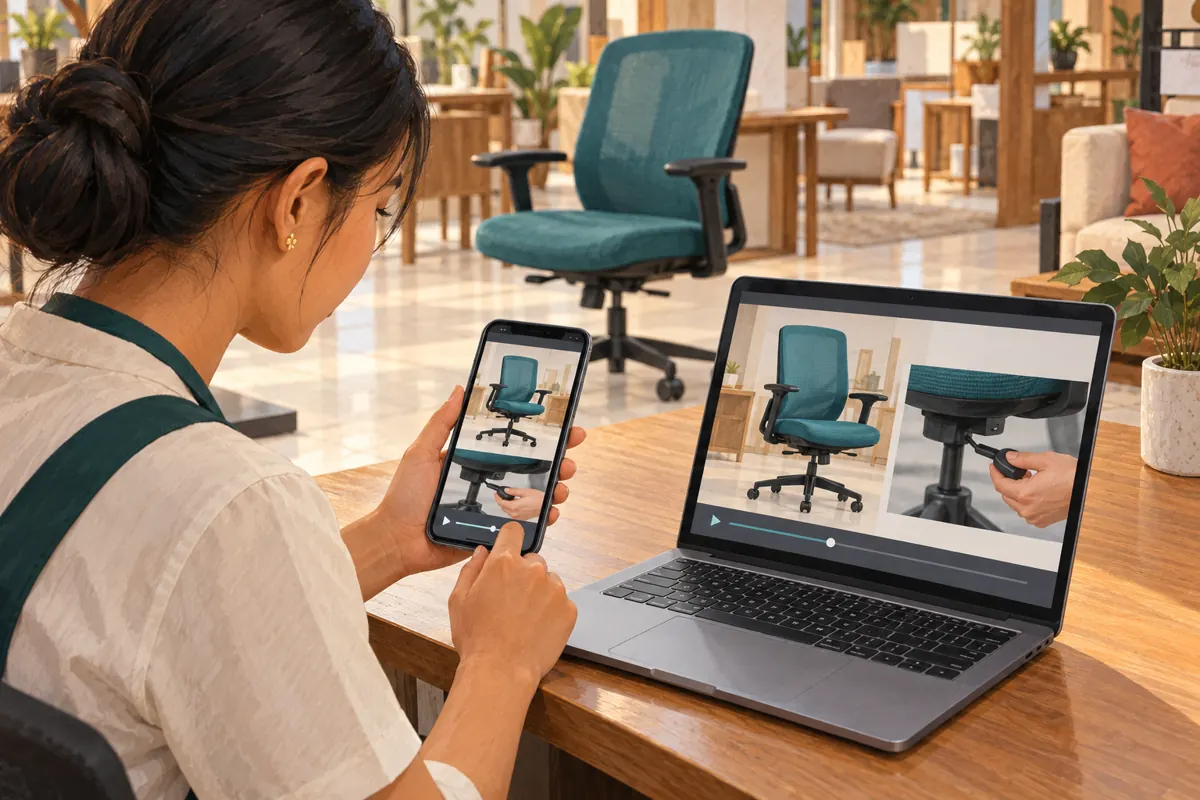
Open the link from the actual messaging destination used by the shop, such as a test conversation in Telegram or Messenger. Check the video identity and starting moment on a phone, then listen to the opening explanation. Test from a viewer context that does not depend on the channel owner’s access. If the recipient’s setup does not open at the intended point, provide the written time and video title so the customer can navigate manually.
5. Write a reply that remains useful after forwarding
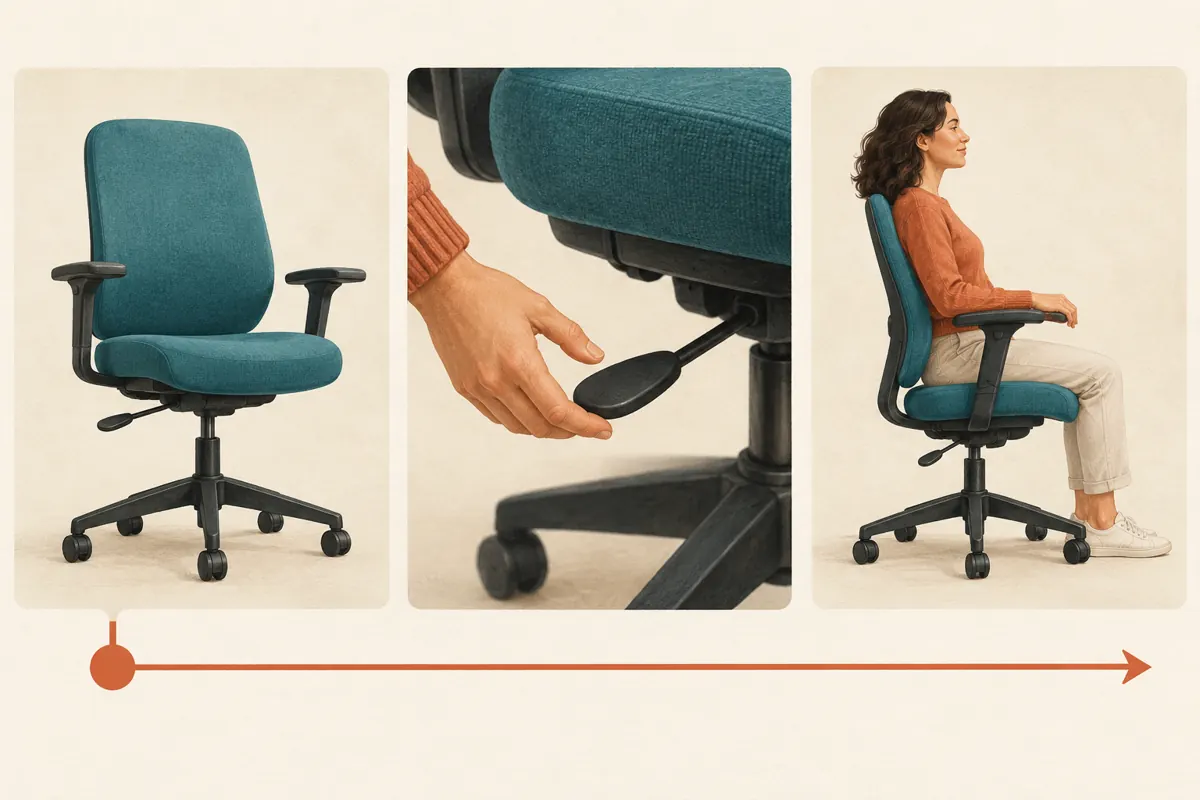
A bare link loses meaning when it moves into another conversation. Add the model reference, the question answered, the spoken language and the starting time. For a Khmer-speaking customer, write the surrounding explanation in Khmer and confirm that the video’s speech or captions are understandable to them. This article’s English language does not determine how a Cambodian shop should communicate with its own customers.
A hypothetical English-language reply could say: “For model OC-A, this part shows the armrest adjustment. The explanation is in Khmer and starts at 2:09. Please compare the control shown with your chair before following it. If yours looks different, send us a photo.” Replace the example reference and time with verified details. Avoid adding an availability promise unless staff have checked current stock; an instructional video may remain useful long after its original sales offer expires.
6. Build a small library around distinct questions
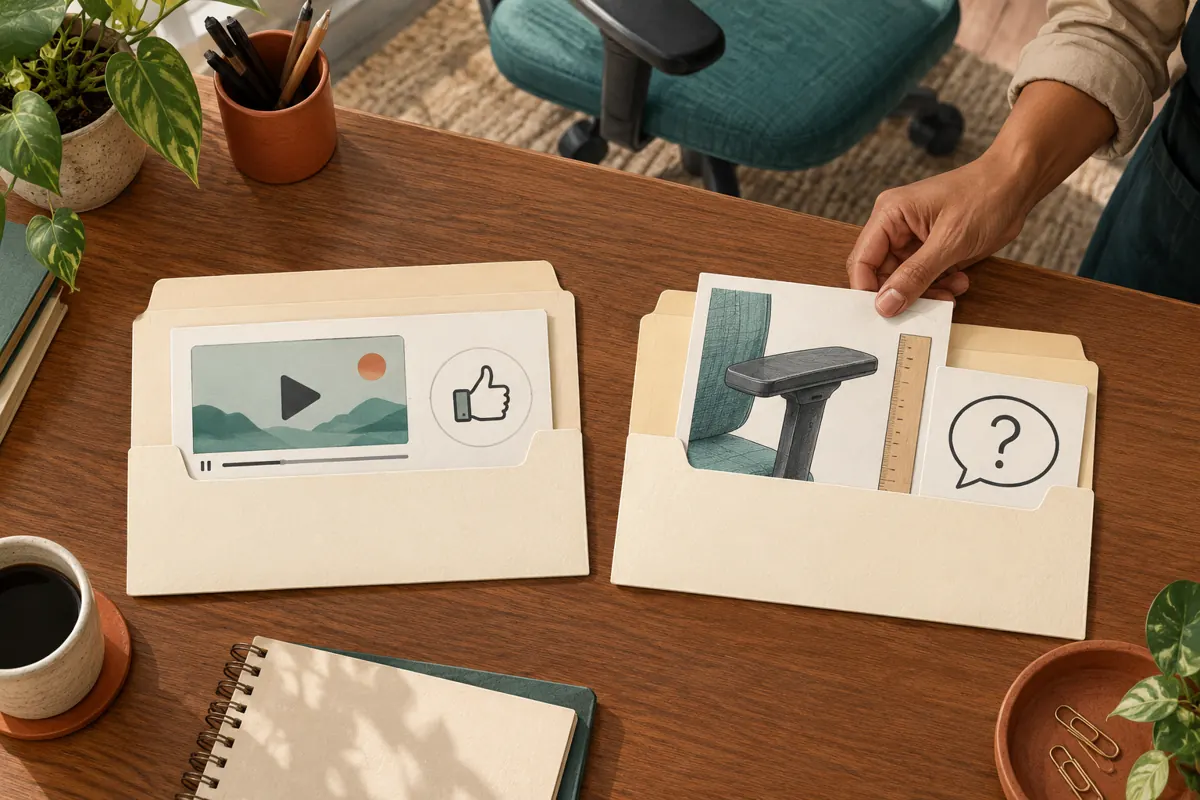
Store approved links in a simple reference sheet with one row per question and model. Useful fields are the customer question, model reference, full video URL, timestamp link, written start time, spoken language, limitation and last review date. Give each entry a descriptive name such as “OC-A: locate the armrest button.” Staff should be able to select the answer without watching several videos during a busy enquiry.
Keep the library small enough to maintain. Begin with recurring questions that already have clear demonstrations. Combine entries only when the same explanation truly applies to the same mechanism. Assign someone to review links when footage changes or a supplier introduces a revised chair. If the video is edited, replaced or removed, reopen every saved link associated with it and confirm the relevant moment. A familiar title does not prove the underlying demonstration is unchanged.
7. Use the moment in promotion without stretching its meaning
Once the reply works, the same question can support a useful promotional post. A Cambodian office-chair shop might introduce a demonstration with a practical question about fitting a chair beneath a desk. The accompanying text should identify what the video demonstrates and invite customers to send the measurements needed for a comparison. Keep stock, delivery and pricing statements separate from the instructional claim so staff can verify each before posting.
Choose the next step according to what the video establishes. Seeing an armrest move does not establish its minimum height or prove that the chair will fit a particular desk. Ask for the relevant dimensions and confirm the chair’s specifications. Likewise, a demonstration of adjustable settings is not evidence of medical benefits or universal comfort. Promote the observable feature, then offer an appropriate product discussion or showroom visit rather than promising an outcome the footage cannot demonstrate.
8. Apply a clear SMM-panel decision gate
The supplied public catalogue includes “YouTube Like ~ Max 500k ~ 50k/days ~ Instant ~ 𝐍𝐎 𝗥𝗘𝗙𝗜𝗟𝗟”. Its category identifies a YouTube likes service, but the brief supplies no description explaining its delivery method. The wording in the title is not independently verified evidence of speed, capacity, audience quality or results. It also gives no basis for concluding that Cambodian office-chair buyers will watch the selected adjustment.
YouTube’s fake engagement policy prohibits artificial increases in engagement and warns that actions by a hired promoter can affect the channel. Do not order artificial likes to make an instructional answer appear trusted. A timestamp link does not change that policy. If reviewing an SMM catalogue, record unresolved delivery and compliance questions and decline unsuitable services. Purchased engagement is not evidence of genuine interest, sales, advertising delivery or Cambodian users. Improving the demonstration and sharing it with relevant people remains a separate editorial task.
9. Review whether the answer resolved the confusion
Evaluate the reply through the conversation it supports. Did the customer identify the correct control? Did they explain that their chair was different? Did staff discover that the video omitted a needed measurement? Record a brief outcome such as “model mismatch identified” or “requested minimum armrest height.” These observations help improve the reference library without turning a customer’s reaction into a claim about the entire audience.
Keep enquiry outcomes separate from platform engagement and any panel order records. A like does not establish comprehension, and an increased view count does not prove that timestamp sharing produced a sale. Even a later purchase may have several influences. When reviewing the workflow, look for repeated unresolved questions and confusing opening sentences. Use those findings to revise the reply, choose an earlier starting point or commission a clearer demonstration. Report observed outcomes with their limitations.
10. Fix the common failures before wider reuse
One common mistake is starting directly on the action while cutting off the explanation of which model is shown. Another is forwarding a link saved for a different chair because its thumbnail looks similar. Staff also sometimes promise that the link contains only the relevant segment, although it leads into a longer video. Correct these problems through model checks, a clear accompanying sentence and a review of what plays afterward.
A further mistake is treating a prepared reply as permanently approved. Recheck it after product revisions, video changes or customer reports that the link opens incorrectly. If the evidence is incomplete, stop using that entry until someone verifies it. Give staff an explicit fallback: ask for the chair reference, offer the full guide or arrange a demonstration. That prevents a convenient saved message from becoming a substitute for checking what the customer actually needs.
Frequently asked questions
Should we send the full video or the timestamp link?
Use the timestamp link when one section answers a specific question and includes the context needed to understand it. Send the full guide when earlier preparation is essential or the customer needs an overview. Explain your choice so the recipient understands what to watch.
Can we use one adjustment link for several similar-looking chairs?
Only after verifying that the demonstrated explanation applies to each model. Appearance alone is insufficient. Keep separate entries where controls or operating instructions differ, and ask for the customer’s model reference when uncertain. Do not make the customer resolve a compatibility question by trial and error.
What if the link opens at the beginning?
Provide the written start time and video title as a fallback. Reopen the exact link from the message you sent and test the route on a phone. Check whether the copied link still includes the intended starting point before replacing it in the shared reference sheet.
Does a timestamp link stop after the adjustment?
No. Treat it as a starting point in the original video, not a bounded excerpt. Tell viewers which explanation is relevant and review what follows. If later footage creates confusion, produce a dedicated demonstration rather than implying that the shared moment ends automatically.
Would buying likes help prove that the demonstration is useful?
No. Purchased likes cannot establish that customers understood the control or found the answer accurate. Artificial engagement also conflicts with YouTube’s policy. Assess usefulness through genuine questions, model clarification and unresolved issues, while keeping any sales conclusions proportionate to the evidence.
Explore the current service catalogue, create an account, or ask a specific question through support tickets.
- YouTube Help: Share videos and channels — desktop Start at instructions
- TeamYouTube: Updating how you share video moments — timestamp sharing and its limits
- YouTube Help: Fake engagement policy
Prepared with AI assistance. Illustrations explain the workflow and do not represent customer results.