21/10/2026 02:52
Wrong Handle in the Photo? Replacing Telegram Media for Cambodian Cabinet-Hardware Shops
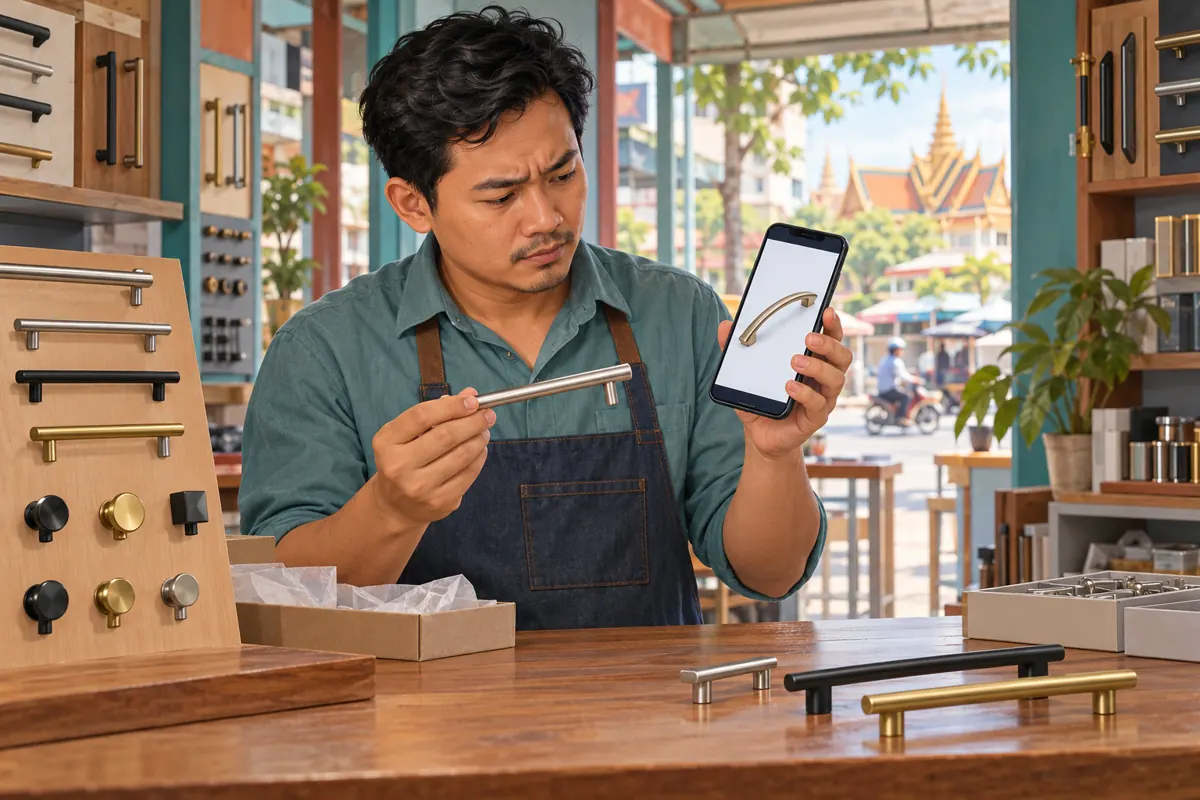
A cabinet handle can look almost identical to another model in a phone gallery while having a different finish, shape or mounting distance. If the wrong photograph reaches your shop’s Telegram channel, an accurate caption may not prevent confusion. Customers can recognise the picture first and ask for that item later. Before promoting the post further or preparing an SMM panel request, correct the visual and decide who needs an explanation. This guide uses a hypothetical Cambodian cabinet-hardware shop to show how to verify the replacement, edit the message, check the result and protect enquiries already in progress.
1. Identify what the wrong photograph promises
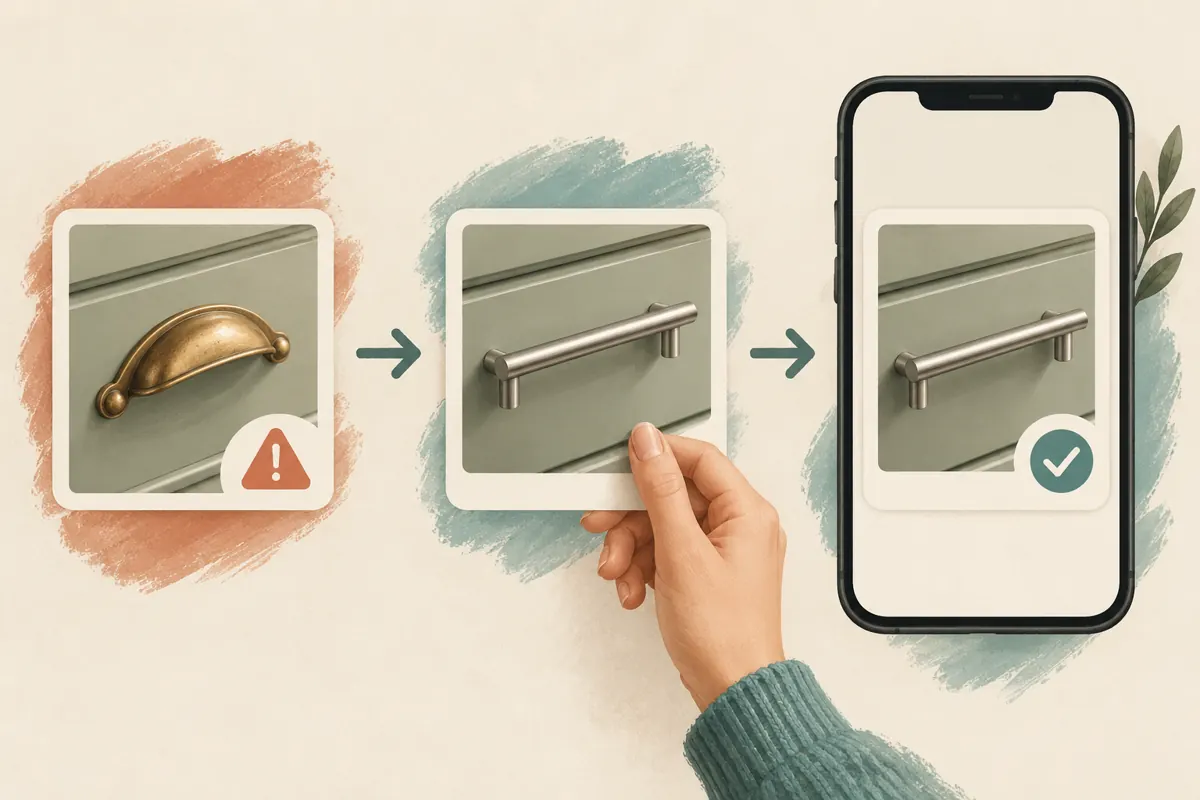
In this hypothetical example, a Phnom Penh shop intends to promote a straight silver-coloured cabinet pull but uploads a photograph of a curved brass-coloured model. The caption names the intended product correctly. The error still matters: a homeowner might choose the curved shape, while a carpenter might assume the photograph shows the mounting arrangement. Neither customer should have to resolve a contradiction between image and text.
Write down the exact mismatch before touching the post. Is it the wrong model, an incorrect finish, a misleading angle or an accessory shown as included? Check whether the caption also needs correction. Ask the person responsible for stock to verify the intended item against the actual product. This prevents a rushed media replacement from introducing a second error. Temporarily hold further sharing under your control while that check happens.
2. Choose between a replacement and a new product announcement
Replacing media makes sense when the post was meant to describe one specific item and the wrong file was attached. Telegram’s official media-replacement announcement explains that photos and videos can be replaced through message editing. Its later update on improved videos also confirms that sent media can be edited or replaced. These features provide a way to repair a post without treating every wrong attachment as a fresh announcement.
A genuinely different offer needs different treatment. If the shop has decided to promote a brass handle instead of the silver one, that changes the product rather than merely correcting its photograph. Prepare a new announcement with its own details. Likewise, do not quietly transform a post that buyers used to agree on an order. First preserve the relevant agreement and explain the change to affected customers. Technical editability does not resolve a commercial misunderstanding.
3. Build a replacement photo that answers the fit question
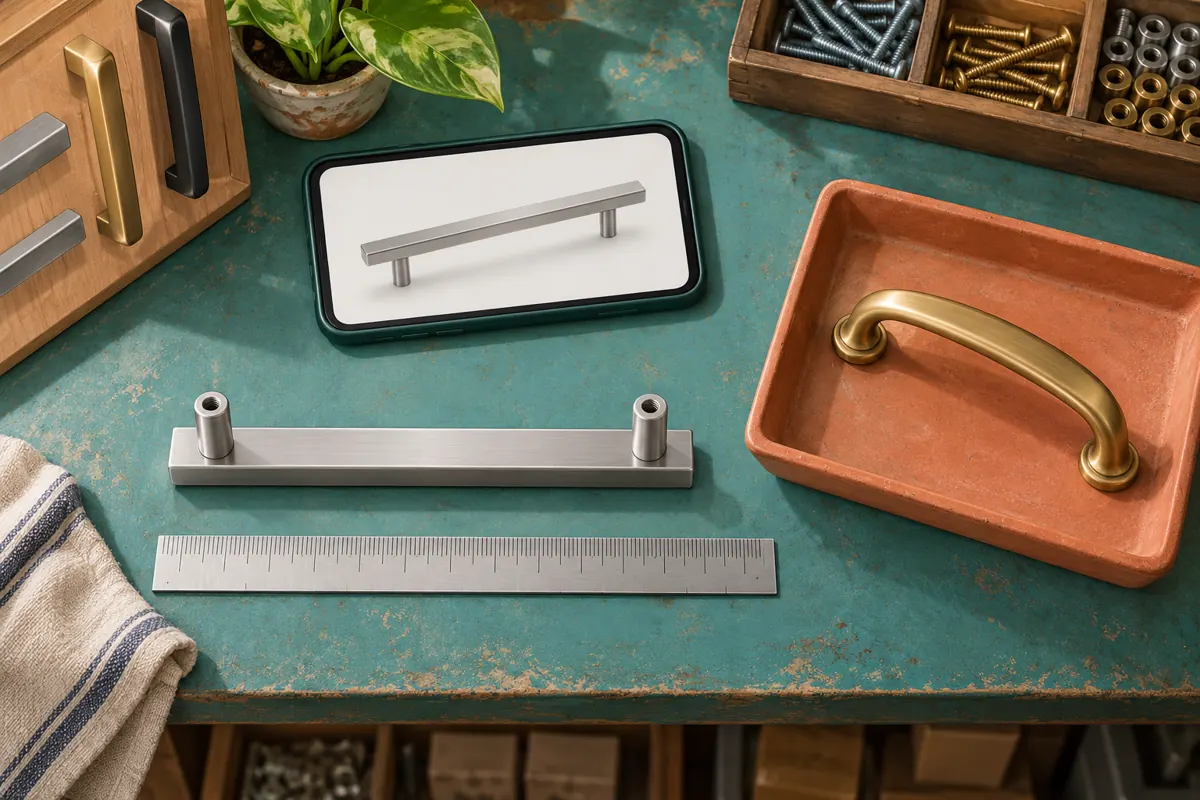
Place the intended handle on a plain surface and photograph enough of it to show its shape, finish and mounting posts. For a replacement handle, the distance between mounting-hole centres can matter more than overall length. Confirm those measurements physically and describe them clearly in the caption. A ruler appearing somewhere in the frame is not a substitute for a verified specification.
Use a second view when the underside or supplied screws need explanation, but keep the main image focused on the advertised item. Remove nearby products that could look like part of the package. Avoid heavy colour adjustments that make a brushed finish appear polished or change a silver tone into a warmer one. In the hypothetical shop, the replacement should let a buyer recognise the straight pull immediately, even before reading the product code.
4. Replace the media and review the caption together
Open the exact message in the shop’s channel using the account authorised to edit it. Enter its editing controls and locate the media replacement option. Telegram’s original instructions describe using the paperclip while editing; the presentation can differ across apps. Select the verified replacement, examine the preview and save only when both the photograph and caption describe the same item.
If the control is unavailable in your situation, stop and check the account’s access and the app’s available options. Do not delete the original impulsively. A clearly identified correction post may be a better fallback. For a substantial visual mistake, add a short explanation to the corrected caption. A hypothetical example is: “Photo corrected: this listing is for the straight silver-coloured pull. The earlier image showed a different model.” Translate that explanation naturally into the language your customers use.
5. Check the saved result as a customer would
Leave the editing screen and reopen the actual post. Check the image in the channel feed and at full size. Confirm that the intended handle is visible, the crop has not hidden a mounting post and the caption still identifies the finish, quantity and relevant measurements. If a colleague can review the post through their normal viewing access, ask them to identify the item without coaching.
Give that reviewer a practical question: “Which handle would you expect us to supply?” A reply describing the old model means the correction remains unclear somewhere. Reopen any public post link used in promotional material and confirm its destination. Telegram documents a timestamp for the most recent edit, but a timestamp alone does not explain what changed. Keep the correction wording when the original image could have influenced a purchasing decision.
6. Follow the mistake into active enquiries
An updated channel post does not tell you whether someone has understood the correction. A customer may still be looking at a screenshot or a separately downloaded image. Review the conversations your team actually handled and identify those that referred to the mistaken photograph. Prioritise enquiries involving model selection, agreed quantities or preparations for collection.
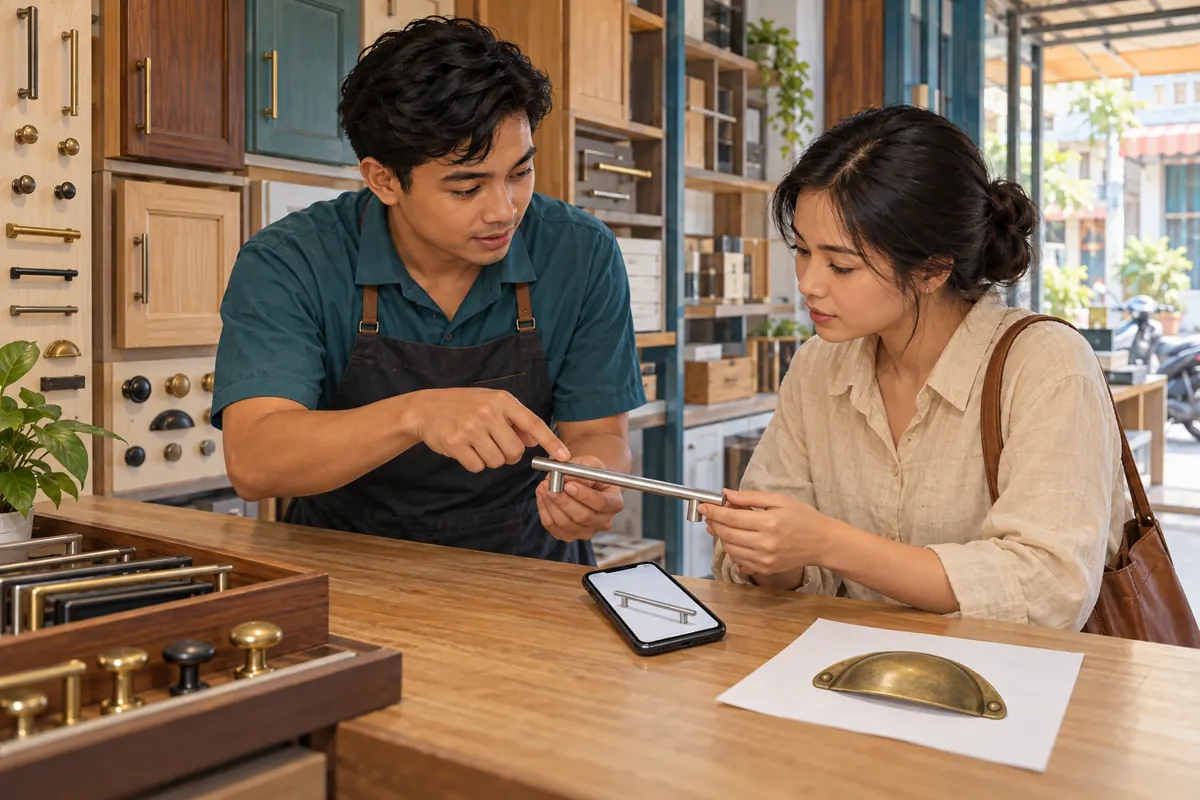
For the hypothetical shop, a useful reply would explain that the earlier picture showed the curved model, then ask whether the buyer wanted that shape or the straight model named in the listing. Send the verified photograph and confirm the choice before preparing goods. Avoid treating silence as acceptance. If a colleague shared a separate copy elsewhere, ask them to inspect that copy and add an appropriate correction. Do not assume every version outside the original post has been repaired.
7. Recheck the SMM service reference after the correction
The supplied catalogue includes the exact public service name “Telegram Post Views [Last 1 Post]”. Its title identifies a post-view service, but the brief provides no accompanying description. That leaves important operational questions unanswered. The title alone does not establish when the latest post is selected, which input is required or how a later correction announcement might affect targeting.
Before considering a new request, read the current service instructions and determine whether the intended target is the corrected product post or another message. Publishing a correction notice could make the product listing no longer the latest post. If an order already exists, retain its reference and ask support a specific question about the target before creating another request. Do not assume editing cancels delivery, creates a refund or moves an order. Purchased views do not establish genuine interest, sales, ad delivery or Cambodian users.
8. Keep a small correction record the team can use
Record the product code, the post reference, the mismatch, the approved replacement and who checked the finished post. Include the correction time with an explicit timezone if teammates work across locations. Keep the earlier image in an internal correction record when it is needed to understand an existing enquiry, while removing it from the pool of assets staff use for new promotions.
Separate the content correction from any service-order history. One record explains why the product picture changed; another records what an external service request targeted and what support confirmed. Link them with the post reference when necessary. A compact note such as “wrong curved-handle photo replaced; straight model verified by stock staff; affected enquiry awaiting confirmation” is more useful than an unexplained “fixed”. It tells the next shift what remains unresolved.
9. Avoid fixes that create a second ambiguity
Changing only the caption leaves a strong visual contradiction. Replacing the image with a collage can create another problem if customers cannot tell which model the price describes. Removing every trace of a meaningful correction may also leave staff unable to explain why an earlier buyer expected something different. Choose the smallest correction that makes the offer accurate and understandable.
Another common mistake is continuing promotion because the post already has visible activity. Those counters do not verify its accuracy. Similarly, do not judge the replacement by whether views rise immediately afterward. The immediate test is whether readers can identify the intended product and request the right details. A photograph can be clearer without producing more enquiries, and a busy post can still cause expensive confusion at the counter.
10. Resume promotion with one clear buying question
Once the post is verified, give customers a useful next step. For cabinet handles, ask for the intended model and the existing mounting-hole spacing before confirming suitability. If they need help measuring, provide a simple separate demonstration or ask for a clear photograph of the old handle and its mounting points. Avoid requesting unrelated personal information in a public channel.
Resume the shop’s normal sharing only after the corrected image, caption and enquiry response agree. In the hypothetical example, staff should now recognise that the post concerns the straight silver-coloured pull and know how to answer someone holding the old curved-handle picture. Review subsequent questions for recurring confusion about shape, finish or fit. Use that evidence to improve the next product photograph and brief the person selecting images before the next promotion.
Frequently asked questions
Should we replace the photo if the caption was already correct?
Yes, when the image shows the wrong product. Buyers may choose by shape or finish without reading every line. Make the photograph and caption consistent, then add a brief correction note if the earlier visual could have affected a decision. Check active enquiries separately.
What if Telegram does not show a media replacement control?
Check that you are using the appropriate account and inspect the editing options available in your app. Avoid assuming every message or access level behaves identically. If replacement is unavailable, publish a clearly identified correction and direct affected buyers to it rather than leaving the mismatch unexplained.
Does editing the post update an existing SMM order?
The supplied service information does not establish that. Keep the order reference and ask support whether the recorded target remains applicable. Do not submit a duplicate order merely because the image changed. Cancellation, retargeting and refund availability require explicit service information.
Can we remove the correction note after changing the image?
For a material product mismatch, retaining a concise explanation helps readers and staff reconcile earlier references. If the change was only a harmless crop adjustment, a detailed public explanation may be unnecessary. Base the decision on whether the earlier image could have changed someone’s purchase expectations.
How can we tell whether the correction helped?
Ask a colleague to identify the advertised model from the finished post, then review genuine enquiries for the same misunderstanding. Record whether buyers still request the wrong shape or finish. View totals alone cannot establish comprehension, local demand or successful sales, especially where purchased engagement is involved.
Explore the current service catalogue, create an account, or ask a specific question through support tickets.
- Telegram: Replace Media, Share vCards, Mark as Unread, 2X Voice Messages, and More
- Telegram: Improved Videos and Much More — Add Media to Sent Messages and Last Edit Timestamps
Prepared with AI assistance. Illustrations explain the workflow and do not represent customer results.